
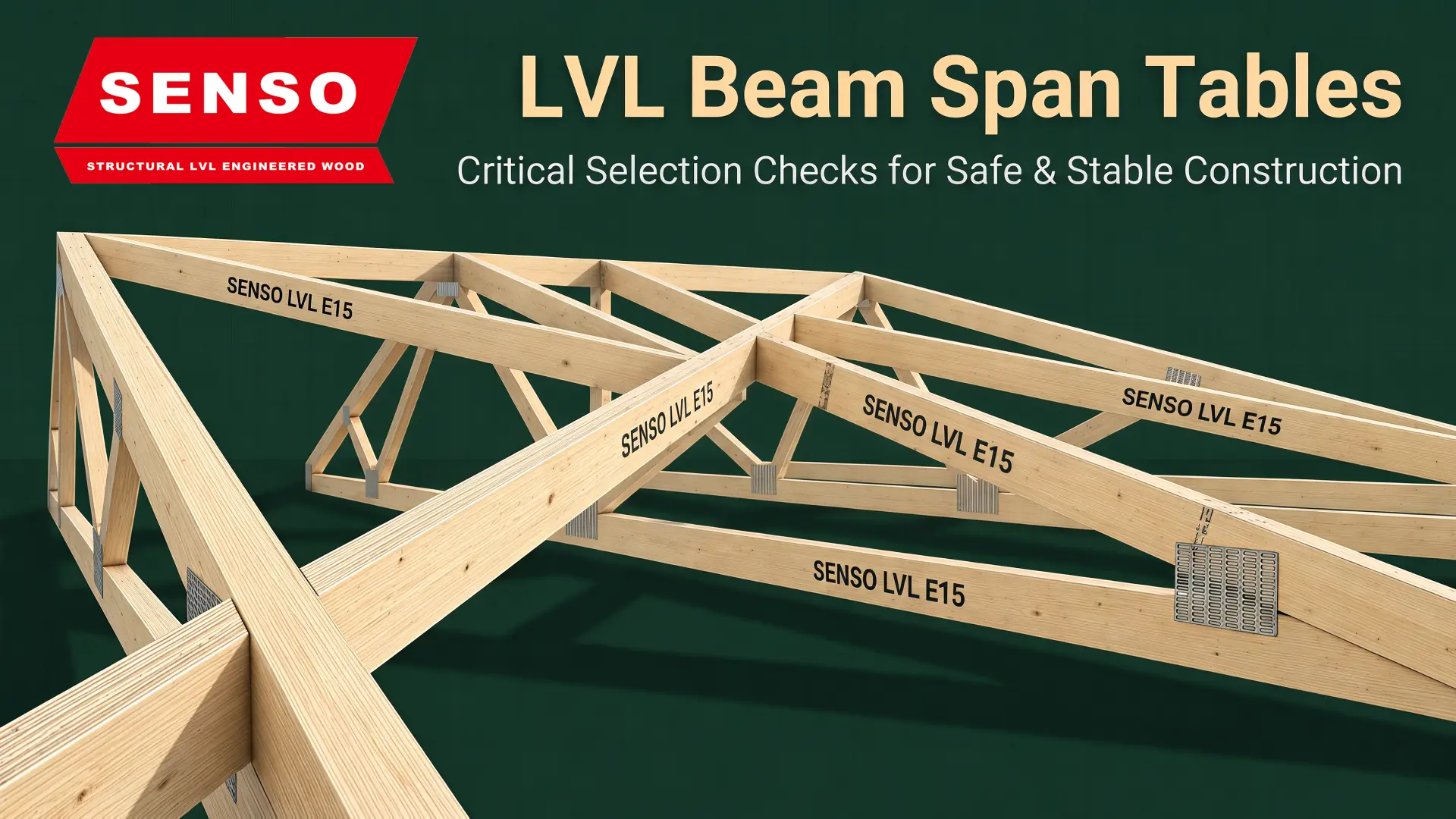
LVL beam span tables match a named product, beam size, support case and load case to a clear span. Use a row only when the grade, width, depth and beam use all match. The load width, bearing, restraint, site state and deflection limit must also match. For example, a floor-joist row at 450 mm centres cannot size a bearer that carries several joists. A broad table cannot cover point loads, odd supports, wet use or work outside its code scope.
Engineering limit: This page explains how to use a table. It does not approve a beam for site work. Use only current tables checked for the named product, code and job.
Read LVL beam span tables by scope first
First, read the title, notes and limits. Do not start with the largest number. LVL beam span tables only apply inside their stated design case.
Next, check the full beam size. Width and depth both matter. The product code and grade also matter. Therefore, a depth-only row cannot define a beam. Use the LVL beam size comparison to sort size options before checking a span table.
| Table input | What must match | Risk when it does not match |
|---|---|---|
| Product | Named LVL product and current issue | Wrong design values |
| Beam size | Width × depth, not depth alone | Wrong strength, stiffness or bearing area |
| Use | Joist, bearer, lintel, rafter or beam | Wrong load path |
| Support | Simple, multi-span or cantilever | Wrong force pattern |
| Loads | Dead, live, point and side loads | Demand may be too low |
| Load width | Beam spacing or supported width | Beam load may be too low |
| Site state | Dry, treated or other listed state | Product factors may not apply |
| Use limit | Sag and bounce limits | Floor, ceiling or finish faults |
Separate clear span from overall beam length
Most LVL beam span tables use clear span. This is the gap between the stated faces of the supports. Overall beam length also includes the part that sits on each support. It may include an end allowance as well.
For example, a 4.2 m member does not prove a 4.2 m clear span. Bearing at both ends takes part of that length. Meanwhile, a drawing may mark support centre lines instead of clear faces. Check how the drawing sets the span.
Bearing length is a design input, not spare timber. It affects support pressure. In addition, the wall, post, hanger or ledger must carry the load down.
Match the LVL span chart to the load path
The same clear span can put very different loads on a beam. A joist takes load from a narrow strip. However, a bearer may take loads from many joists. A lintel can also take roof, floor and wall loads.
LVL beam span tables do not transfer from one member role to another. Match the table name to the real load path.
| Member role | Main input | Common reading error |
|---|---|---|
| Floor joist | Joist spacing and floor build-up | Missing finish mass or floor bounce |
| Floor bearer | Joist spans on each side | Using joist spacing as bearer load width |
| Wall lintel | Roof, floor and wall loads above | Choosing by opening width alone |
| Roof beam | Roof load width, mass and wind | Using one light-roof rule |
| Point-loaded beam | Load size and exact point | Using a uniform-load row |
Check loads before structural beam sizing
Load data comes before beam choice. AS/NZS 1170.1 gives design values for permanent, imposed and other actions. The project engineer must choose the right values and load sets.
- Permanent action includes the frame, linings, services and fixed finishes.
- Imposed action depends on how people will use the space.
- Point action needs its size and exact point, not only a total load.
- Wind action can push down, lift up and reverse force in roofs.
Also check how long each load acts and which loads act at once. Do not add a guessed margin to an unknown case. Instead, set the loads first. Then use the table with the right design basis.
Treat strength and deflection as separate gates
A beam can be strong enough but still sag too much. It can crack tile or plaster long before failure. Therefore, good LVL beam span tables state both strength and use limits.
Strength checks cover bending, shear and bearing. Use checks cover short-term deflection, creep and floor bounce. AS 1720.1 gives the timber design route. Still, the engineer needs checked values for the named LVL product.
Depth often adds stiffness with less timber. Still, width affects strength, bearing and room for fixings. Grade can change strength and stiffness. See the structural LVL decision guide for product and use checks.
Confirm bearing restraint and connections
The table result does not close the load path. First, check bearing at each support. Next, check the side restraint assumed by the table. Then check hangers, bolts, nails and support fixings.
- Check the least bearing length and the support material.
- Provide side restraint at the stated spacing and points.
- Check high reactions and point loads near supports.
- Use checked hole, notch and cut rules for the named product.
- Check joint strength, edge distance and the site detail.

What every LVL load table must state
Product proof and design proof do different jobs. AS/NZS 4357.0:2022 sets rules for LVL manufacture, property tests and checks. However, a product standard does not create one span for all jobs.
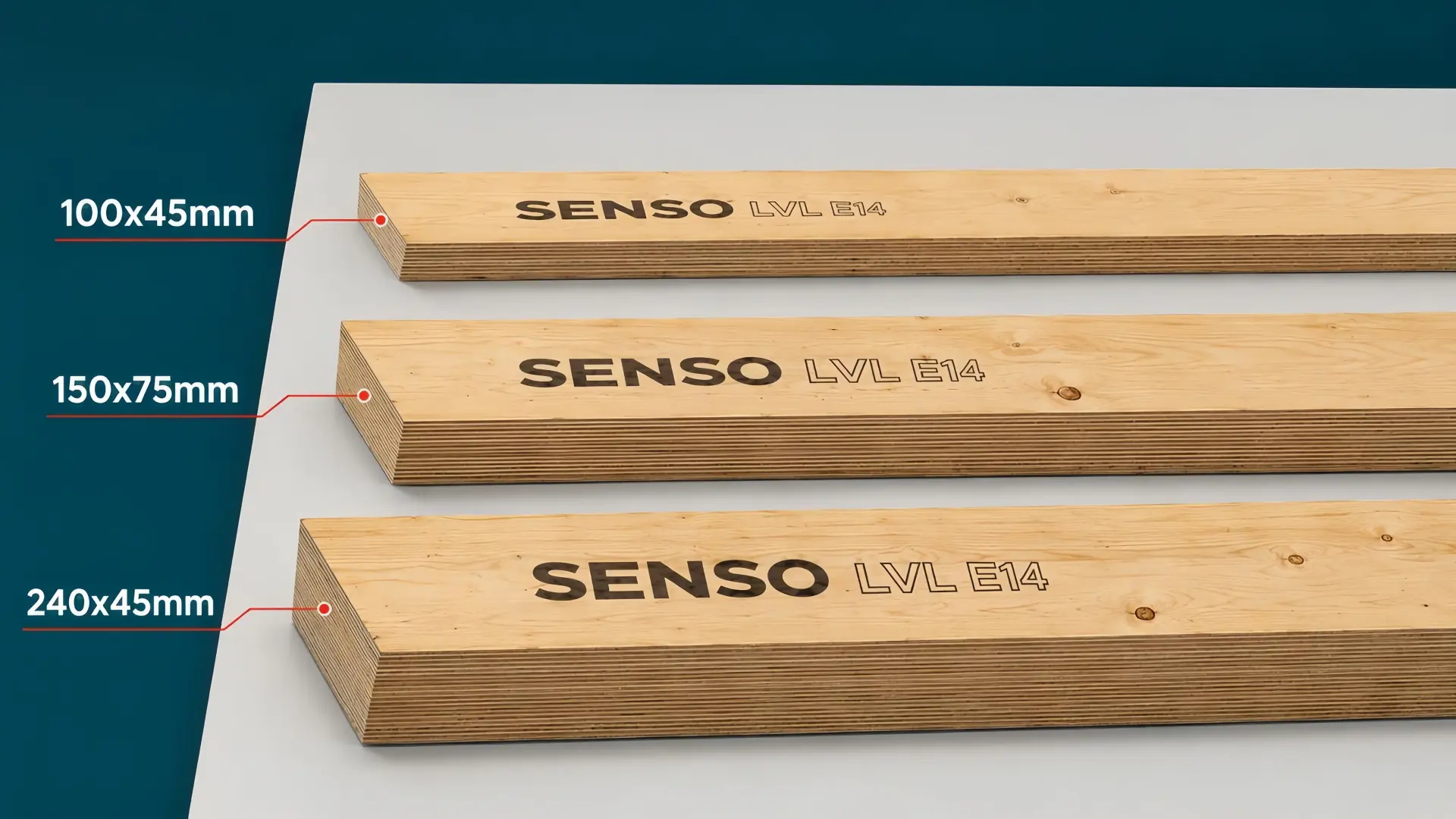
The current SENSO Frame LVL range lists grades E8–E16. Its size grid covers 27–75 mm thickness and 70–450 mm depth. It also lists A Bond, H2S treatment and 8–15% moisture at dispatch. Yet those product facts do not set span.
| Needed field | Controlled data |
|---|---|
| Identity | Maker, product code, grade and table issue |
| Beam size | Nominal or final width × depth |
| Design scope | Code region, standard, use and support type |
| Load case | Loads, load sets, spacing or load width |
| Site rules | Dry or wet state, treatment and load time factors |
| Checks | Strength, bearing, sag and floor bounce |
| Detail rules | Bearing, restraint, blocking, fixings and limits |
| Sign-off | Reviewer, check date and issue number |
SENSO lists beam sizes and planning mass in a separate worksheet. Those facts do not set span. Use that sheet for order and freight work. Then use a checked span source for beam choice.
Use this LVL beam span checklist
Before using LVL beam span tables, work through each step. Stop if the table does not state a needed input.
- Record the clear span and drawing points.
- Name the beam role and support type.
- Set dead, live, point and side loads.
- Work out beam spacing or load width.
- Select the exact SENSO product, grade, width and depth.
- Match the table issue and project code.
- Check strength, sag, bounce and creep.
- Check bearing, restraint, fixings and allowed holes.
- Confirm site use, treatment and fire needs.
- Get the needed project sign-off before order or cut work.
LVL beam span table questions
How far can an LVL beam span?
There is no safe answer from span alone. LVL beam span tables also need product, grade, width, depth, loads, supports, bearing, restraint and use limits.
Does beam depth alone determine span?
No. Depth has a strong effect on stiffness. Yet width affects strength, bearing area and room for joints. Always use the full beam size and product code.
Can a light roof use a blanket span increase?
No. A light roof cuts dead load. Yet wind, ceilings, solar panels and load width still matter. Use a matching roof table or job check.
Does an E rating equal bending strength?
No. Do not treat an E rating as bending stress or a span promise. Use the full checked value set for the named product.
Can I interpolate between table rows?
Only when the table notes allow it. Otherwise, choose a listed case that meets the design. You can also ask the reviewer for a job check.
What should I send for preliminary product guidance?
Send the clear span, beam role, supports and loads or drawings. Add spacing, load width, bearing, restraint, site use, treatment and job location.
Send the span, load and support conditions for preliminary SENSO product guidance. Contact SENSO with the drawings and project location. A qualified project designer must approve the final beam and connection.
Post time: Sep-14-2026